Microsoft Enhances Privacy Controls in Windows 11 to Block Unauthorized Access
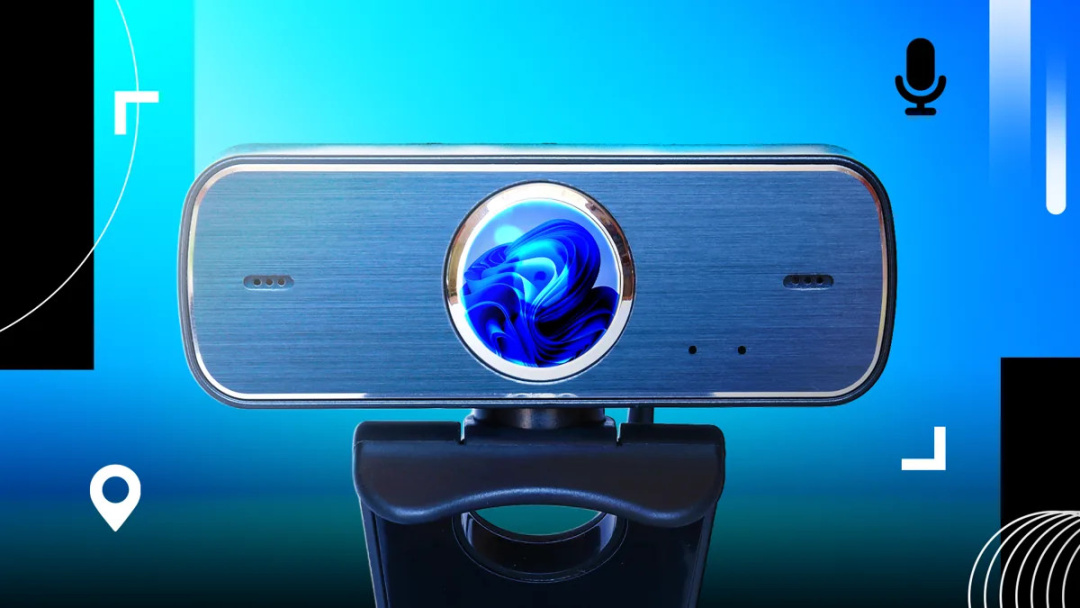
Microsoft has announced significant upgrades to privacy controls in Windows 11, aimed at preventing unauthorized access to users' cameras, microphones, and location by downloaded software. Historically, these privacy features were limited to Microsoft Store apps, but the latest updates will extend these protections to traditional desktop applications, which have not previously required user permission for access. This change is particularly noteworthy as many users primarily rely on desktop apps rather than those from the Microsoft Store.
In addition to the privacy enhancements, Windows 11 will introduce a new option that allows all applications to launch in full-screen mode by default. This feature is designed to improve user experience, especially for those who prefer a more immersive interface. Users can still opt for windowed applications if they choose, providing flexibility in how they interact with their software.
The update also includes improvements to the File Explorer context menu, offering users more granular control over their options. Microsoft has streamlined the context menu by hiding legacy options by default while still allowing users to access them if needed. This change aims to reduce clutter and enhance usability, particularly for power users who require more customization.
Microsoft's commitment to enhancing privacy and usability in Windows 11 is evident in these updates. The company aims to make privacy permissions clearer and more manageable across the diverse range of desktop applications that users engage with daily. Future updates may further expand these controls, potentially allowing users to manage file and folder access for individual desktop applications.
Overall, these enhancements reflect Microsoft's ongoing efforts to prioritize user privacy and improve the overall functionality of Windows 11, making it a more secure and user-friendly operating system.